
4.23Formula engine
Reference for the Formula Engine: calculate a KNX value from an expression over other KNX values, with the supported syntax and functions.
The Formula Engine calculates a new KNX value from an arithmetic expression over one or more KNX values, and writes the result to another group address. Use it for scaling, unit conversion and simple calculations. This page lists every field of the dialog and the syntax the gateway accepts.
#What it does
Each formula has variables (each tied to a KNX group address), one expression and one output group address. Whenever a variable that triggers the computation receives a new value, the gateway calculates the expression and writes the result to the output group. The result is only written to KNX: the engine publishes no System Object.
#Before you enable it
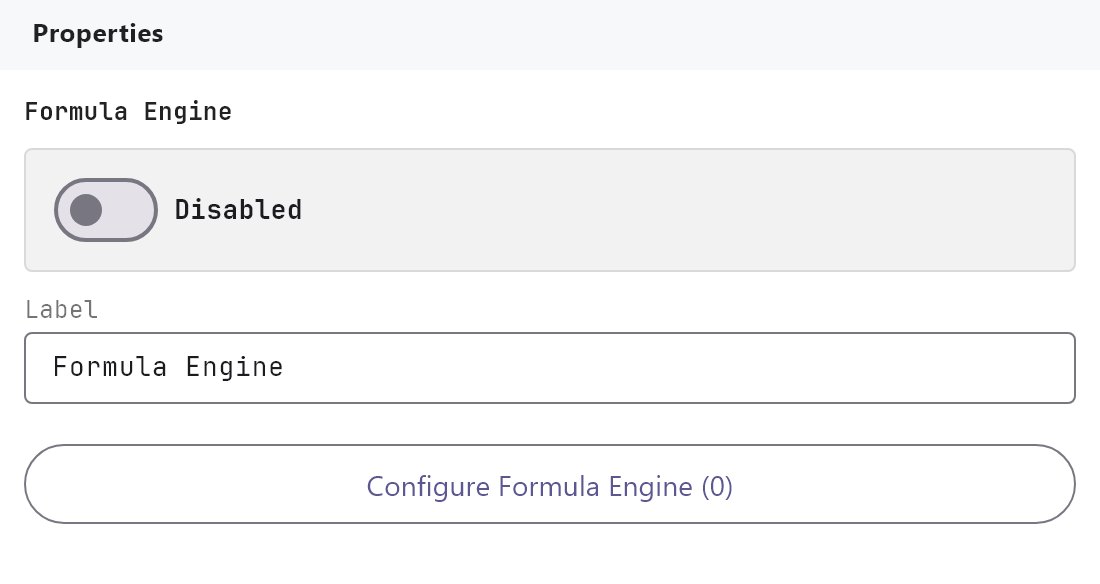
- The service is Disabled by default. Turn Enabled on and deploy the project (see Deploying to a gateway). Each formula also has its own Enabled switch.
- The gateway reads and writes the bus through its KNX connection, so the KNX engine must be working.
#Settings
| Setting | What it does |
|---|---|
| Enabled | Turns the Formula Engine on or off. Off by default. |
| Label | The name in the Server tree. Default Formula Engine. |
| Formulas | The button Configure Formula Engine (N) opens the dialog. |
#Formula Engine dialog
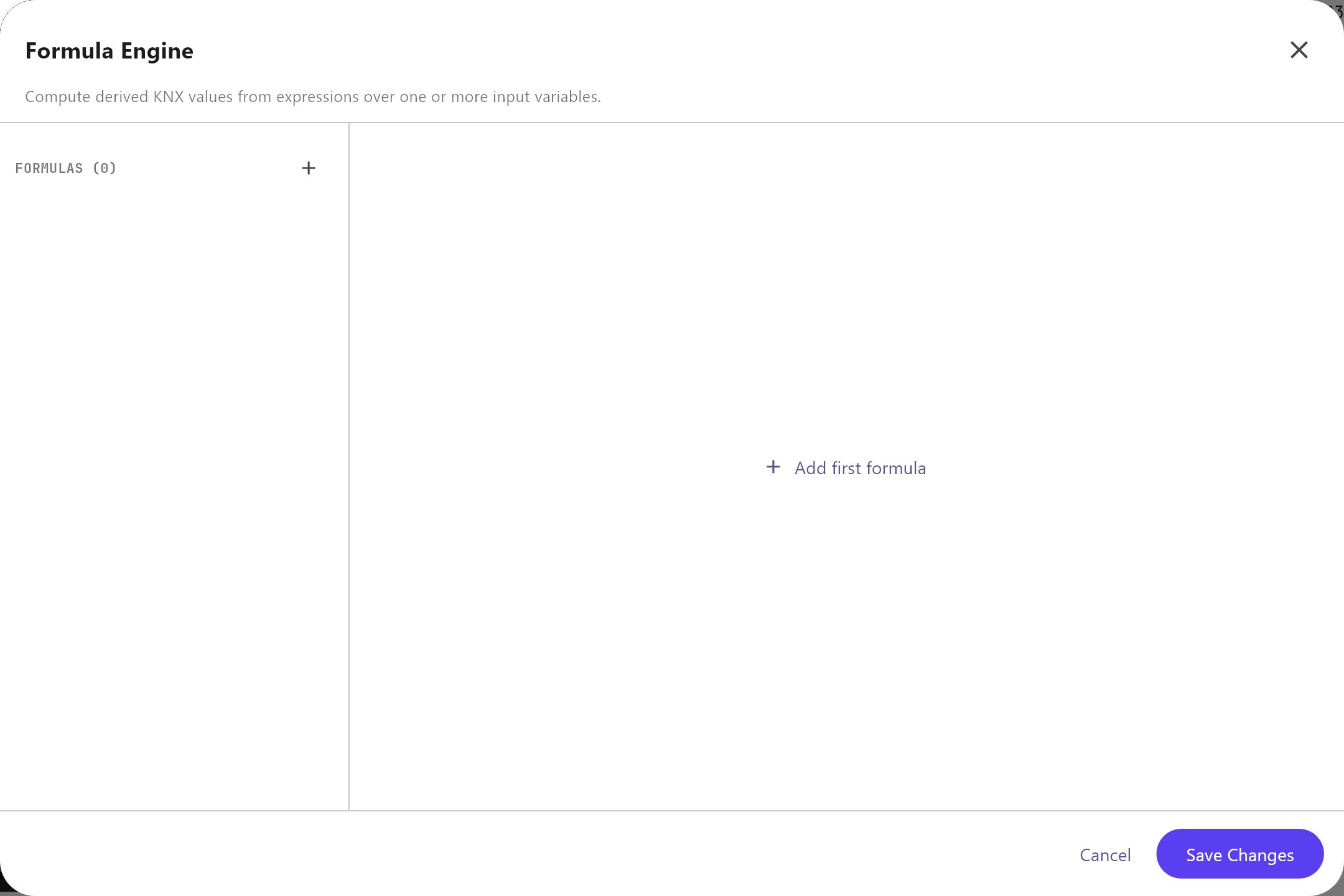
The list has Add, Clone, Remove, Up and Down, and shows each formula with (Enabled) or (Disabled). Import and Export in the header save and load all formulas as formula-engine.json; importing replaces the whole list. Cancel and Save Changes only close the dialog.
#Formula Details
| Field | What it does |
|---|---|
| Name | The formula's name. Default Formula N. |
| Enabled | On by default. A disabled formula is not calculated. |
| Expression | The calculation, for example (a + 11) * 32640 / 1000. Default a. |
| Output Sending Behaviour | On result change (default) writes only when the result differs from the last result. On new value reception writes after every calculation. |
| Output Group | The KNX group address that receives the result. Nothing is written if it is empty. |
| Type | The data type of the output. Default DPT 14.001 - 4 byte float. The list holds 22 types from DPT 1.001 to DPT 16.001. For a DPT 1 output the result is written as 1 if it is not 0, otherwise 0. |
#Variables
Add Variable adds a row. Each variable has:
| Field | What it does |
|---|---|
| Variable | The name used in the expression. Letters, digits, _ and $, not starting with a digit. New variables are a, b, c and so on. |
| Name | A description for you. Default Variable N. |
| KNX Group | The group address that supplies the value. |
| Type | The data type used to read it. Default DPT 14.001. |
| Value At Startup | Read current value (default), Wait for a new telegram, 0 until first telegram or 1 until first telegram. |
| Trigger Computation | On by default. When on, a new telegram on this group runs the calculation. When off, the value is only stored for the other variables to use. |
#Syntax
| Element | Supported |
|---|---|
| Numbers | Digits with an optional decimal point, such as 32640 or 0.5. |
| Operators | +, -, *, /, % (remainder), and a leading + or -. Multiplication, division and remainder bind tighter than addition and subtraction. |
| Brackets | ( ) for grouping. |
| Variables | The names in the Variables list. |
| Functions | abs, min, max, round, floor, ceil, pow, sqrt, log (natural logarithm), sin, cos, tan. Separate the values of a function with commas, for example max(a, b) or pow(a, 2). |
There are no comparison operators, no conditions such as a > 5 ? 1 : 0, no text values and no constants such as pi. For conditions use Logic Studio or the Rule gateway. An error in the expression, such as an unknown name, is logged by the gateway and nothing is written.
#How it works on the gateway
- At start the gateway fills each variable according to Value At Startup: it reads the group once, uses 0 or 1, or waits for a telegram.
- A formula is calculated only when every variable has a value. Until then nothing is written.
- When a write or response telegram arrives for a variable's group, the gateway stores the value. If Trigger Computation is on for that variable, it calculates the expression and writes the result to Output Group with the chosen data type.
- Do not use the output group of a formula as one of its own variables. The gateway sees its own writes as incoming telegrams, so the formula would trigger itself.
#Example
Convert a KNX temperature in degrees Celsius to degrees Fahrenheit:
- Enable the Formula Engine and add a formula: Name
Outdoor temperature F, Expressiona * 9 / 5 + 32. - Set Output Sending Behaviour
On result change, Output Group2/2/10, TypeDPT 9.001 - Temperature / 2 byte float. - Add a variable: Variable
a, NameOutdoor temperature C, KNX Group2/2/5, TypeDPT 9.001, Value At StartupRead current value, Trigger Computation on. - Deploy. A reading of 21.5 on
2/2/5writes 70.7 to2/2/10.
A formula with two variables, for example the total power of two meters, uses the expression a + b with variables a and b and a separate group for each.
#Tips and common problems
- Nothing is written: the engine or the formula is disabled, the Output Group is empty, or a variable has no value yet. Choose
Read current valueor0 until first telegramfor variables that do not change often. - The result is wrong by a factor: check the Type of each variable. The gateway decodes the telegram with that type.
- The output keeps repeating:
On new value receptionwrites after every incoming telegram. UseOn result changeunless the receiver needs the repeats.