
4.34Power flow manager
A settings page for grid, solar, battery and managed loads that the gateway and the apps do not read yet, so it has no effect in the current release.
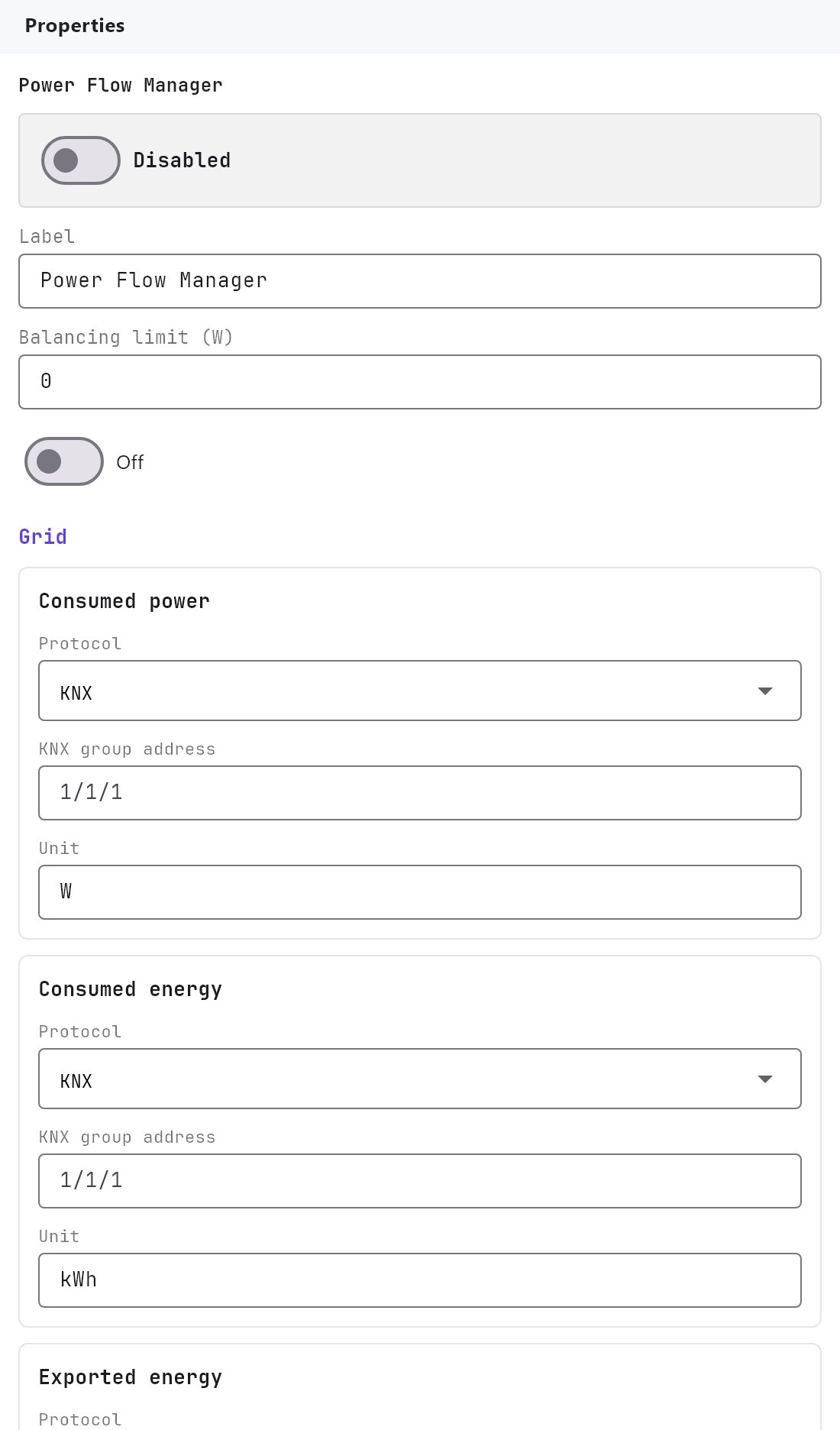
The Power Flow Manager is a place to describe a home's energy sources and loads: grid, solar, battery and a list of loads with priorities. In the current release it is not connected to anything. Fill it in or leave it alone: the gateway and the apps behave the same either way.
#What it does
Today, nothing at runtime. The page defines a data model for a future energy dashboard: where the grid power, solar production and battery figures come from, which dashboard sections and time ranges to show, and which loads may be switched off to balance consumption. Those features are not built.
For real energy readings use these instead:
- Analog Value for a number such as grid power.
- Energy Flow Line for an animated line.
- Solar Panel and Solar manager for an inverter.
- Graph and History recorder for history.
- Logic Studio or the Rule gateway if you need to switch loads off by a rule.
#Settings
Open Server > Internal services > Power Flow Manager. Enabled is Off by default.
#General
| Setting | What it does |
|---|---|
| Label | Name of the service in the Configurator. Default Power Flow Manager. |
| Balancing limit | A power limit in watts, minimum 0, default 0. Saved only. |
| Automatic load priority control | Off by default. Saved only. |
#Signal groups
Grid, Solar and Battery each have signal blocks. Every block has the same fields:
| Field | What it does |
|---|---|
| Protocol | KNX (default), Modbus, MQTT or Gewiss. |
| KNX group address | Shown for KNX. |
| Modbus register | Shown for Modbus. Free text. |
| MQTT topic | Shown for MQTT. Free text. |
| Gewiss address | Shown for Gewiss. Free text. |
| Unit | Free text, pre-filled as listed below. |
| Group | Signal blocks and default unit |
|---|---|
| Grid | Consumed power (W), Consumed energy (kWh), Exported energy (kWh). |
| Solar production | Production power (W), Produced energy (kWh). Also Solar source (see below). |
| Battery storage | State of charge (%), Stored energy (kWh), Charge or discharge power (W). Shown only when Storage enabled is on. |
Solar source is Generic protocol source (default), Fronius API, Fronius Modbus, SMA or SolarEdge. For any choice other than generic, an Inverter IP address box and a Port box (1 to 65535, default 502) appear. The gateway does not connect to any of these inverters from this page.
Storage enabled is off by default.
#Dashboard
| Setting | What it does |
|---|---|
| Sections | Multi-select of Home, Solar, Grid, Battery, Loads. All five by default. |
| Time ranges | Multi-select of Now, Day, Week, Month, Year. All five by default. |
| Managed loads | The Configure Loads (N) button, described next. |
#Configure Loads
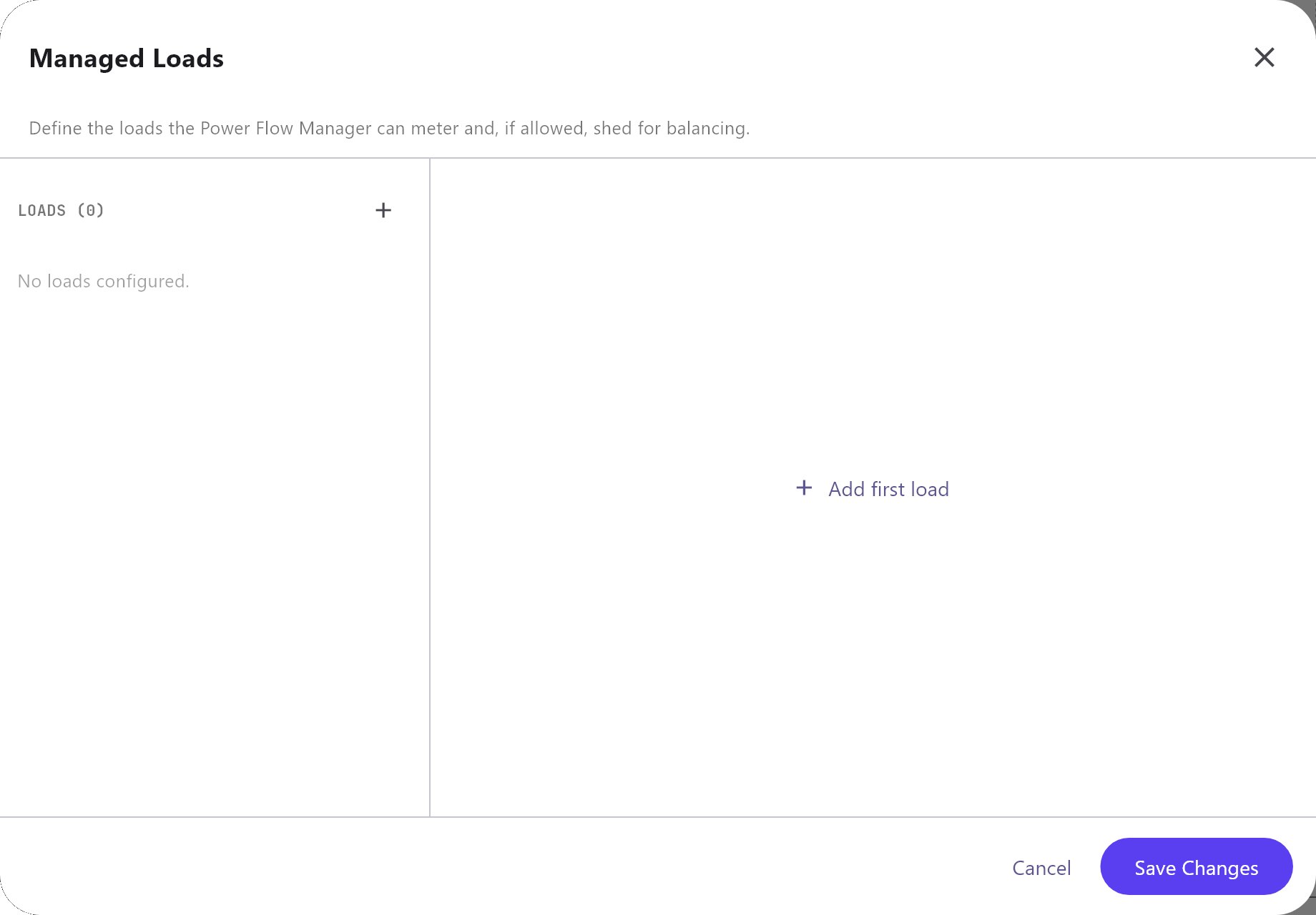
Configure Loads opens the Managed Loads dialog. Its subtitle reads "Define the loads the Power Flow Manager can meter and, if allowed, shed for balancing." The list has only Add and Remove.
| Setting | What it does |
|---|---|
| Name | Name of the load. Default Managed load. |
| Icon | Free-text icon name. Default bolt. |
| Color | A colour picker. |
| Nominal power | Rated power in watts, minimum 0, default 1000. |
| Protocol | KNX (default), Modbus, MQTT or Gewiss. |
| Control address | The address that switches the load. A KNX group address for KNX, free text otherwise. |
| Direct metering | Off by default. When on, shows Metering address. |
| Metering address | The address that reports the load's own consumption. |
| Priority | 1 to 99, default 1. |
| Can disconnect | Yes by default. Marks the load as one that may be switched off for balancing. |
None of these fields is used by the gateway.
#How it works on the gateway
It does not. The gateway software has no code that reads the Power Flow Manager. Turning Enabled on, entering addresses or adding loads causes no polling, no KNX, Modbus or MQTT traffic and no switching. The project simply carries the data.
#Example
There is no working setup to show. If you need a page that shows grid, solar and consumption today, build it from live objects: put an Analog Value with the grid power on a page, a Solar Panel for the inverter, and Energy Flow Line objects to animate the flow.
#Tips and common problems
- I entered all the addresses and nothing happens: that is the current state. The page is not connected to the gateway yet.
- The Power Flow Panel does not follow these settings: it reads the System Values mapped in its own properties, not this service. See Power Flow Panel.
- Load shedding: the Priority and Can disconnect fields do not disconnect anything. Use a rule or Logic Studio logic instead.