
4.20Value store
Reference for the Value Store: named KNX values the gateway keeps across restarts, answers on bus reads and republishes at startup, on request and on a schedule.
The Value Store keeps named KNX values on the gateway so they survive a restart and can be published back to the bus. This page lists every setting of its dialog and what the gateway does with it.
#What it does
Each stored value is tied to a KNX group address and a data type.
- It follows the bus. Every write or response on the value's group address updates the stored value.
- It survives a restart. With Keep value after gateway restart on, the value is saved on the gateway and comes back after a restart or a power cut. A value that is switched off here starts empty every time.
- It answers reads. With Answer bus read requests on, a read on the group address is answered with the stored value. Nothing is answered while the value is still empty.
- It can read or publish at startup. Read from bus at startup asks the bus for the current value once after the gateway starts, and Publish value at startup writes the stored value to the bus once. When both are on, Startup Publish Order says which comes first.
- It can publish on request. With Bus Publish Request on, a telegram on the request group (matching the request value) makes the store publish every value it holds.
- It can publish on a schedule. With Scheduled Publish on, the store publishes the values that are included, every interval.
#Before you enable it
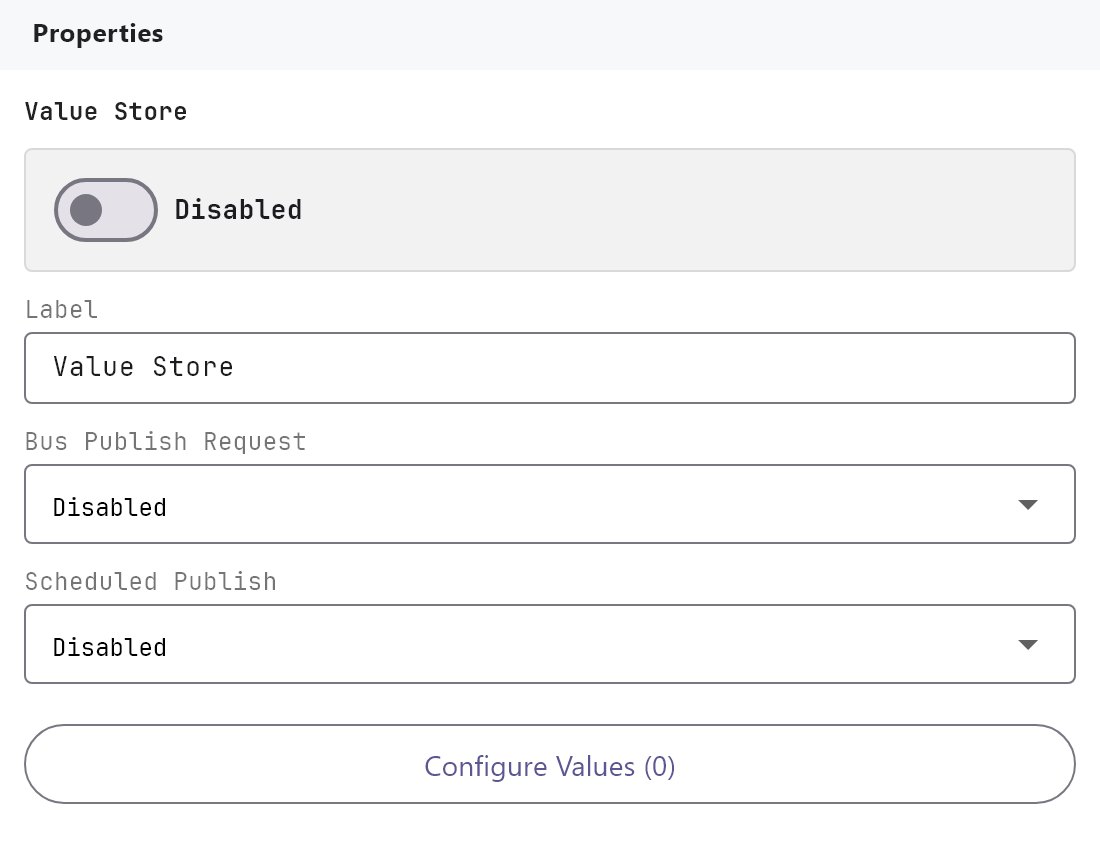
- The service is Disabled by default and the Enabled switch is the same as for every Server component.
- The KNX engine must be running: startup reads and every publish go out on the KNX bus. Startup and scheduled publishing wait until the bus is connected.
- Give each value its own group address and the data type the devices use on it. A value already saved for another address or data type is dropped when the project changes.
#Settings
| Setting | What it does |
|---|---|
| Enabled | Turns the component on or off. Off by default. |
| Label | The name in the Server tree. Default Value Store. |
| Bus Publish Request | Disabled (default) or Enabled. When enabled, a telegram on the request group asks the store to publish its values. |
| Request Group Address | Shown when Bus Publish Request is enabled. The KNX group to watch. |
| Request Value | Shown when Bus Publish Request is enabled. Any value (default), Only 1 / true or Only 0 / false. |
| Scheduled Publish | Disabled (default) or Enabled. Publish the values repeatedly. |
| Publish Interval (seconds) | Shown when Scheduled Publish is enabled. 5 to 86400, default 300. |
| Configure Values (N) | Opens the Value Store dialog. |
#Value Store dialog
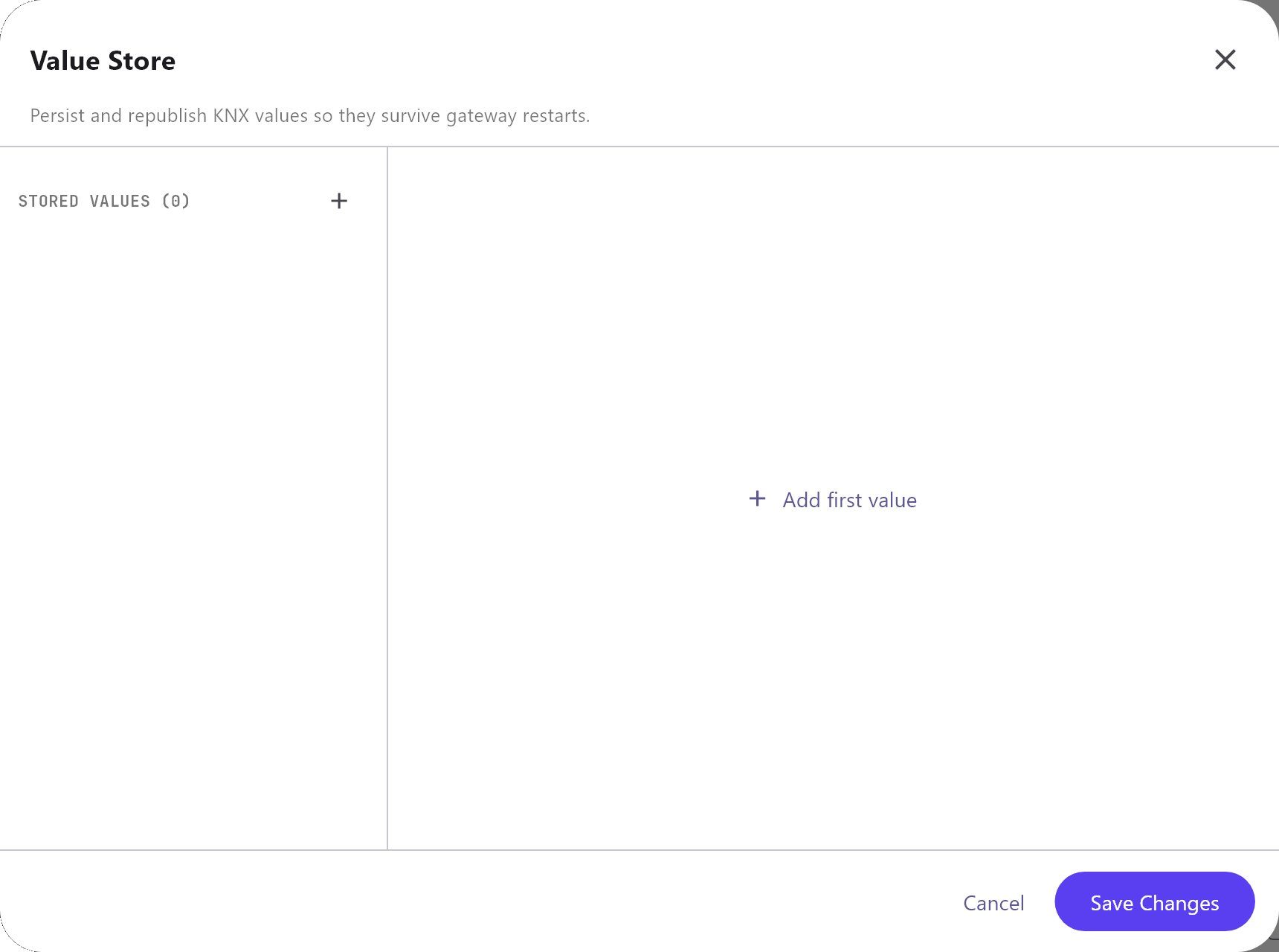
The list has Add and Remove only: there is no Clone, Up, Down, Import or Export. Cancel and Save Changes only close the dialog.
| Field | What it does |
|---|---|
| Name | The name of the value. Default Stored value. |
| Group Address | The KNX group address of the value. |
| Data Type | DPT 1.001 - Switch / boolean (default), DPT 5.001 - Percent, DPT 5.010 - Counter pulses, DPT 6.010 - Signed count, DPT 7.001 - Unsigned 2 byte, DPT 8.001 - Signed 2 byte, DPT 9.001 - Temperature / 2 byte float, DPT 12.001 - Unsigned 4 byte, DPT 13.001 - Signed 4 byte, DPT 14.001 - 4 byte float or DPT 16.001 - Text. |
| Keep value after gateway restart | On by default. |
| Answer bus read requests | On by default. |
| Read from bus at startup | Off by default. |
| Publish value at startup | Off by default. |
| Include in scheduled publish | On by default. |
| Startup Publish Order | Shown when both startup options are on. Publish before startup read or Publish after startup read (default). |
#How it works on the gateway
- Saved values live on the gateway in their own folder (
data/value-store), separate from the History recorder. They are written a couple of seconds after a change. - A value that is not saved is kept in memory only.
- Publishing writes the stored value to the group address in the value's data type. The scheduled publish interval is never shorter than 5 seconds.
- A write on the value's group address sets the value: send it from a switch, a visualisation or a Logic Studio KNX Output block. A Logic Studio Set Value Store block sets it directly and publishes it to the group address.
- Startup actions run once per value after the gateway starts, and once more for a value that a later deployment adds.
#Tips and common problems
- A value is empty after a restart: check that Keep value after gateway restart is on and that the value was received at least once before the restart. Turn on Read from bus at startup if a device on the bus knows the current value.
- A bus read is not answered: the value has never been received, or Answer bus read requests is off.
- Nothing is published at startup: the stored value is empty (nothing to publish yet) or the KNX engine is not connected.
- The values published after a request are old: the store publishes what it last saw on the bus. Turn on Read from bus at startup or write the value again.
- Reading a value back after a restart: a Logic Studio KNX Input block with Value at startup set to
Read current valuealso asks the bus for the current value of its group address once when the gateway starts.
#See also
Still stuck? Open a ticket from the support portal and mention the page you followed.